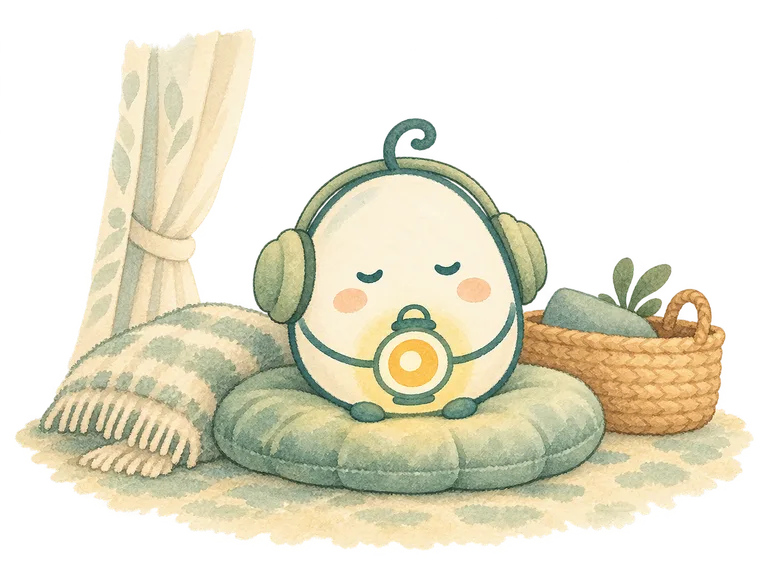
Something on your mind
Start with today
A rushed morning or a conversation that felt hard. Choose what’s happening today and open the support you want.

A companion for everyday parenting
Ideas to try, play to choose together, and a place for your notes. For everyday life with children 12 and under, start with what’s on your mind.
Just your email. No account or payment needed.
We’re preparing for public release. Once the app is available in stores, you can install it from this page.
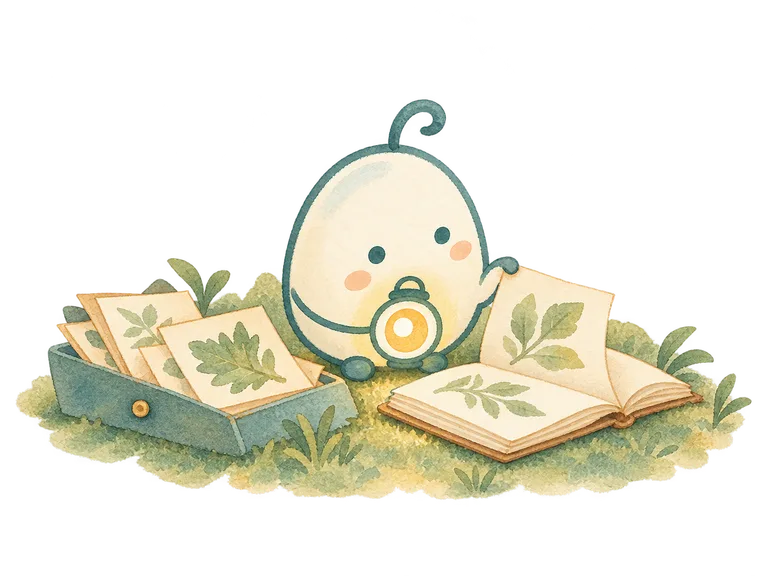
Parenting columns and practical reading for your next conversation. You can read without using the app.
Notes about everyday moments, ideas for home and time to rest. Find a place to start while you wait.
Strengths, difficult moments and what you’ve tried. Prepare what you want to discuss with your child’s school.
Services and school arrangements vary by country and region. Each article gives its scope, sources, check dates and review status.
Try an everyday parenting idea, share a little play, and keep a few words for later. This short film has no sound.
Screens use fictional example records.
A companion for everyday parenting
Nuku is here along the way. Find an idea, share a little play, or keep something to return to. Each part is there when you want it.
Something on your mind
A rushed morning or a conversation that felt hard. Choose what’s happening today and open the support you want.
An idea you want to use
Find a practical way to approach an everyday moment. Save it as a favorite and return to what you read or tried. Some weekly lessons are part of Plus.

A moment together
Draw, match pictures or guide Nuku by gently tilting the phone. Choose together, and stop whenever you want.

Something to remember
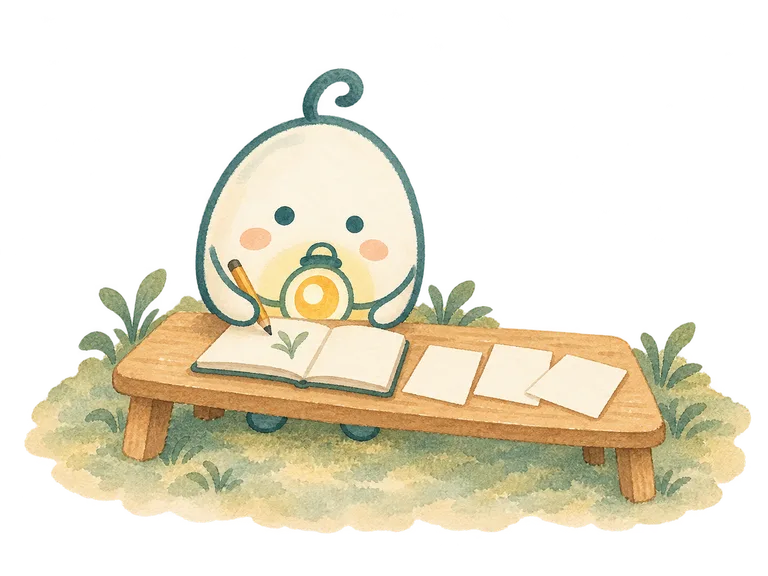
Leave a short note about what you noticed. Return to your notes when there’s time to look back.

A conversation ahead
Gather strengths, difficult moments and what you’ve tried into a summary. Review what you want to share with preschool, school or a clinician, as plain text.

Time to look back
Mark what you’ve read or put into practice. Bookmarks and your album keep a place for those steps you took as a parent.

Where to begin reading.
In the app, Take a breath has a warm, light paper background, with a lantern, the time left and a stop button. Try one breath here.
In for 4 seconds, out for 6.
When things get hard, tap Take a breath. There’s nothing to fill in first.
When you’re ready, a few taps keep the moment. Add details when you are ready; a difficult-moment record needs a duration to complete.
One small skill a week, a short look back when the week ends, and one page when you need it.
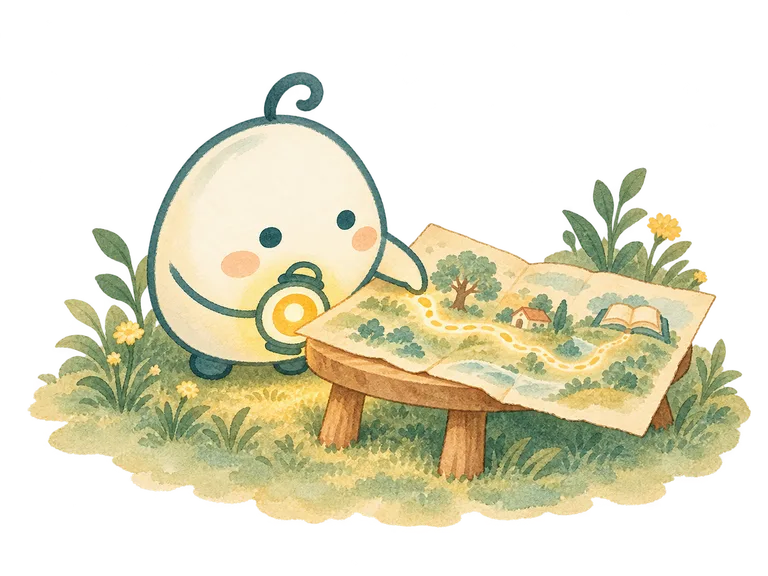
The home screen has a small watercolor hill on warm, light-colored paper.
Through the year it follows the seasons as they pass in Japan: plum and cherry blossoms, carp streamers, fireflies, autumn leaves and snow. If you turn it on, it can also show the weather where you are.
On the hill lives a small round creature with a lantern. It breathes along with you in Take a breath. As you practice, the curl on its head grows a sprout, then leaves. It never changes because of how your child behaves, and no state is a bad one.
We protect information with encrypted connections and access controls. Read about storage, sharing and deletion on our security page.
The parts you need in a hard moment are free, and stay free.
The final store price for your country is shown in the app before purchase. Plus is a yearly or monthly subscription that you can cancel in your App Store or Google Play settings.
Free text sharing is limited to once a month per device. Plus features on your device have no daily use limit. When Plus ends, saved notes and results remain. An active subscription is needed to open Plus lessons, play extra games, listen to sounds, and create or share detailed PDFs.
For parents, guardians and caregivers of children 12 or younger who have ADHD or autism, or whose development raises questions. A caregiver operates the app; children can play together with them, but do not use it independently. Caregivers of children under 4 can use notes and Take a breath. The check and weekly program examples are intended for ages 4 to 12 and have not been validated for younger children. Any legally required consent and authority to record a child’s information are needed; some regions currently require users to be 18 or over. See the terms.
No. Lantern Hill isn’t a medical device and doesn’t give medical advice. It doesn’t tell you whether your child has a condition, and it never rates your child. For decisions about your child’s health, talk with their doctor. The one-page sheet is a way to bring your notes along.
Account storage and restoration on another device are being prepared. Follow the guidance in your version. Existing records are not sent automatically during this transition.
Take a breath works without an account. Sign in to save records to an account or restore them on another device. This storage method is being prepared; check the guidance in your version of the app.
Notes, the library, weeks 0 to 2, basic PDF and CSV export are free. Text sharing of the sheet is free once per calendar month per device. Plus includes unlimited text sharing, additional lessons and play, and the detailed daily-life profile PDF in eight languages, with an optional Japanese–English bilingual format. Free-text entries are not automatically translated. The store price is shown before purchase.
English, Japanese, Spanish, German, French, Brazilian Portuguese, Korean and Traditional Chinese (Taiwan).
No, it isn’t made for emergencies. If someone is in danger, call now: 911 in the US and Canada, 999 in the UK, 000 in Australia, 111 in New Zealand, 112 or 999 in Ireland. For other countries, use the emergency number for that country.
It’s coming soon to the App Store and Google Play. This page will link to the stores when it’s ready.
Find out what will happen and show your child beforehand, agree a quiet spot, a signal and a time to leave, and let your child skip the parts that are too much, from the singing to the presents. If you host, keep the party small and short, and plan the rest of the day to be quiet.
In Japan, resource-room instruction (tsūkyū) keeps a child enrolled in a regular class with some hours of specialized instruction, while a special support class is a small class the child is enrolled in. Before first grade, families talk with the municipal board of education; after school starts, the class teacher or special needs education coordinator is the first contact, and the placement can be reviewed later.
In Bavaria and North Rhine-Westphalia, parents apply to the head of the school for a Nachteilsausgleich, adjusted conditions for exams and graded work (in writing in Bavaria, without a set form in North Rhine-Westphalia), and the school decides case by case. A diagnosis does not lead to one automatically, but in both states a medical or equivalent document is normally required, and each of Germany’s 16 states sets its own rules.
Lantern Hill is coming soon to the App Store and Google Play.
See how to installWe count broad page types and clicks to the app stores. We send no entries, records, URLs or identifiers that follow you. Only your choice is saved in this browser; you can change it anytime.
These are views of the home page, download page, article list and articles, plus App Store and Google Play clicks, grouped by site language and release. Aggregates in Google Cloud Tokyo expire after 30 days; deduplication and rate-limit records after two days. Privacy details
No usage counts are being sent.